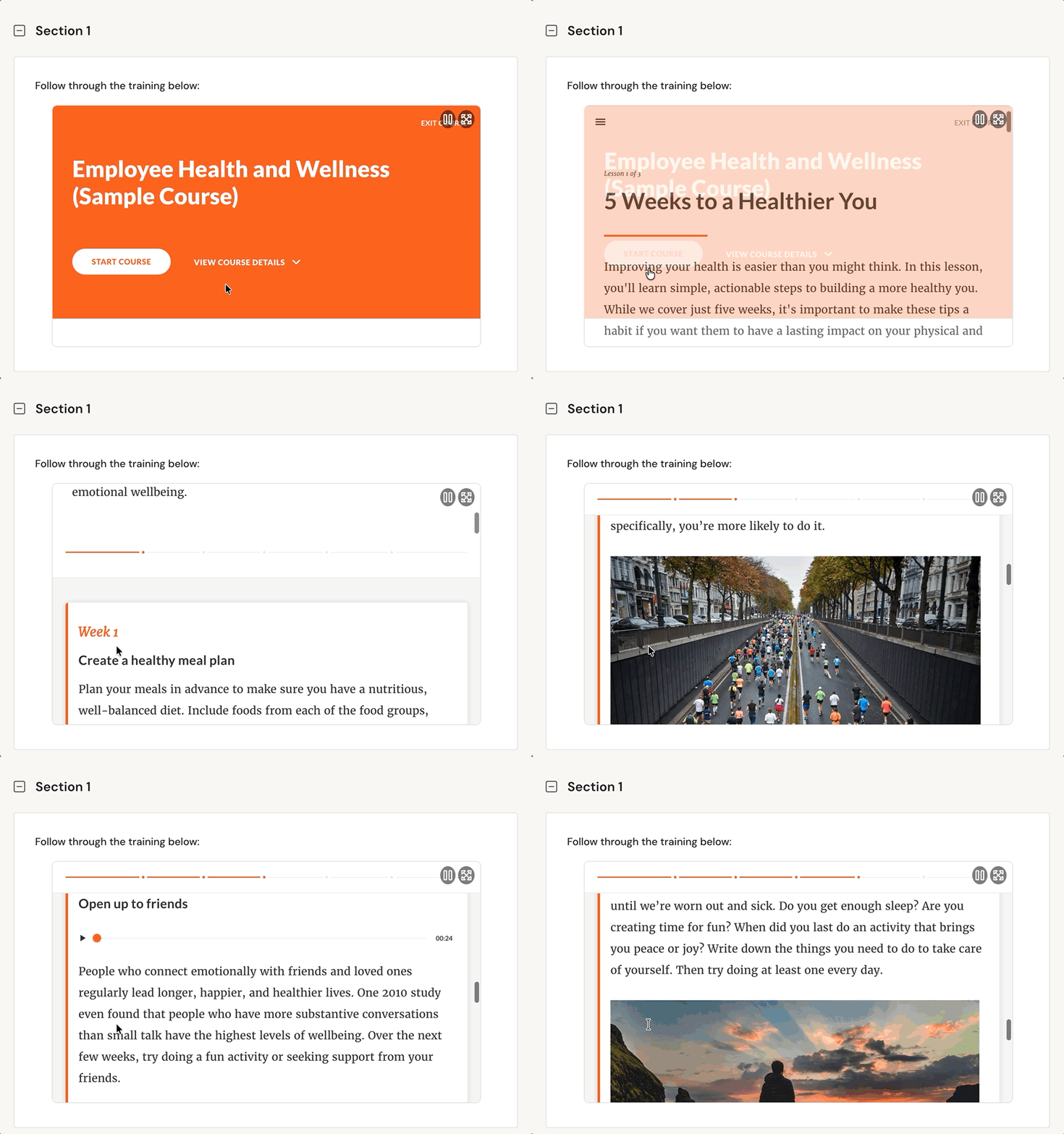
If your organization utilizes SCORM Packages to house training and educational materials, then you can import those materials directly into your Learning Path modules in TORSH Talent!
The SCORM Package component allows authors the ability to import specific SCORM package ZIP files of their learning courses directing into TORSH Talent Learning Path modules. These SCORM Package components then allow learners to directly engage in the learning materials of that imported course all in one place!
Preview:
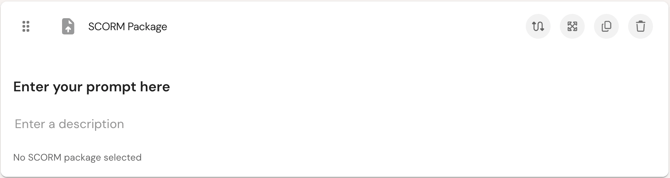
Settings:
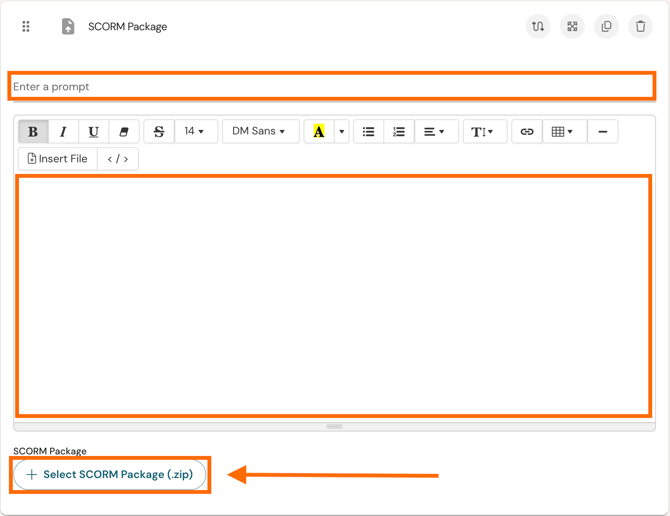
At the top of these settings, add a prompt to guide the participant, and provide a further description if needed. To add your SCORM Package ZIP file, click the 'Select SCORM Package (.zip)' button and add the SCORM Package of your course to this component.
You can only add (1) ZIP to a SCORM Package component. If you would like to house more SCORM Packages, consider adding the next SCORM Package in either a separate Learning Path module, or adding it into a separate SCORM Package component within the module page, or adding it into a separate page of the same Learning Path module, depending on how you wish for the material to be accessed and organized.
Within the component, the SCORM Package will be presented to the learner as the fully accessible course: