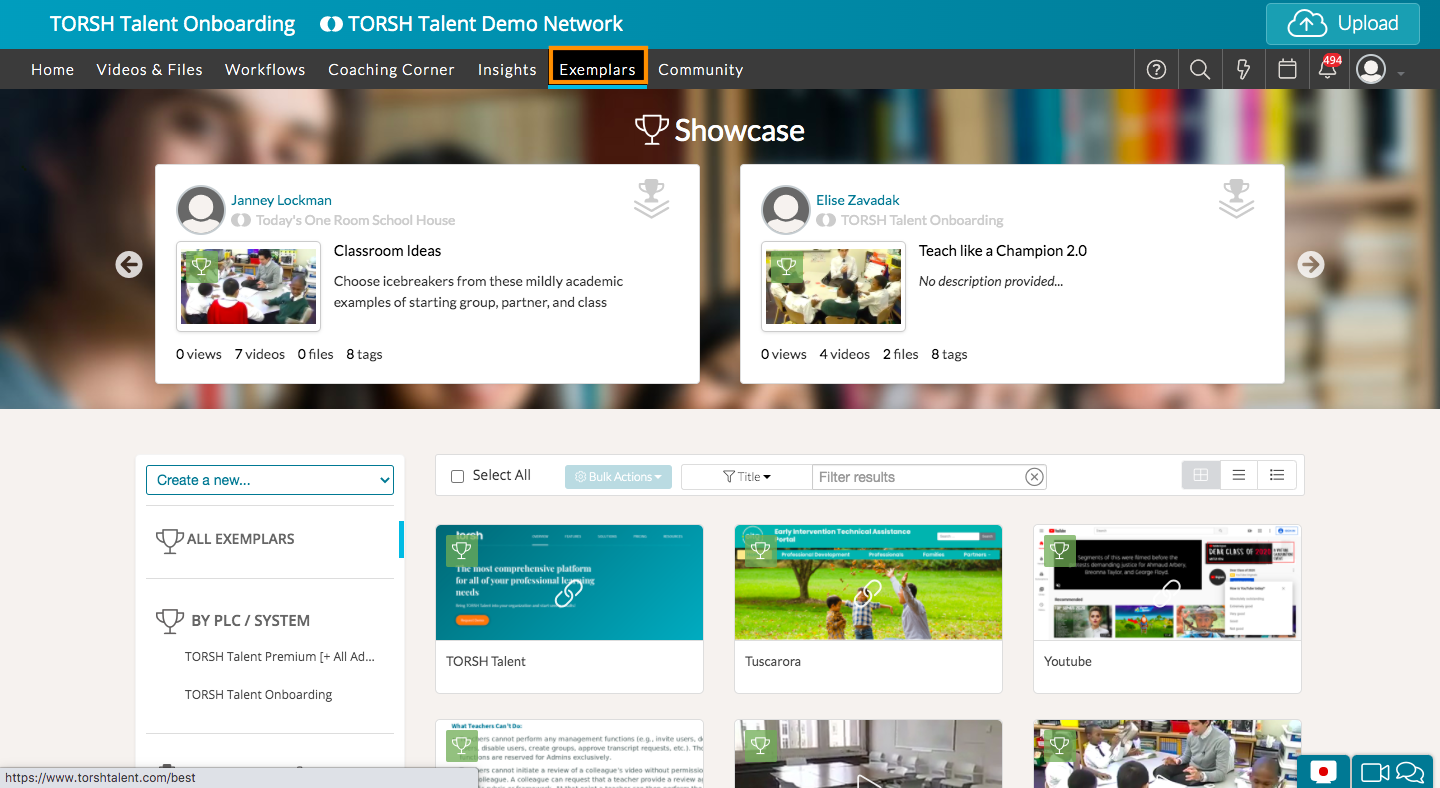
As a Coach or an Admin, you can add a URL to the Exemplar Library by following the steps below:
First, navigate to your Exemplar Library.
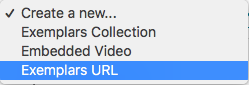
Then, click on the 'Create a new...' dropdown menu on the left side of the page.

Select 'Exemplar URL' from the dropdown list.
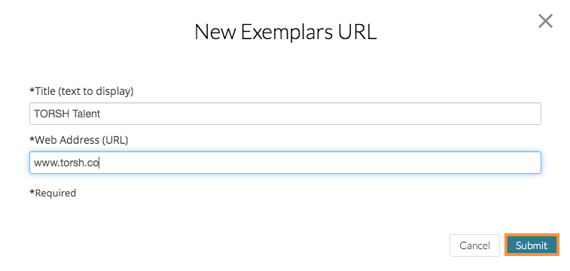
Enter the title text you'd like to display, along with the web address (URL). Then click 'Submit' when you're done.
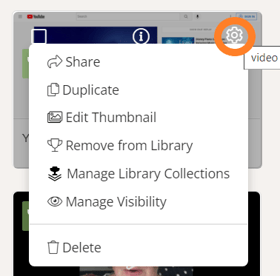
Once the URL is in your Exemplar Library, you can share it, duplicate it, edit the thumbnail, remove it from exemplars, manage exemplar collections and visibility, and delete it by clicking on the gear icon.