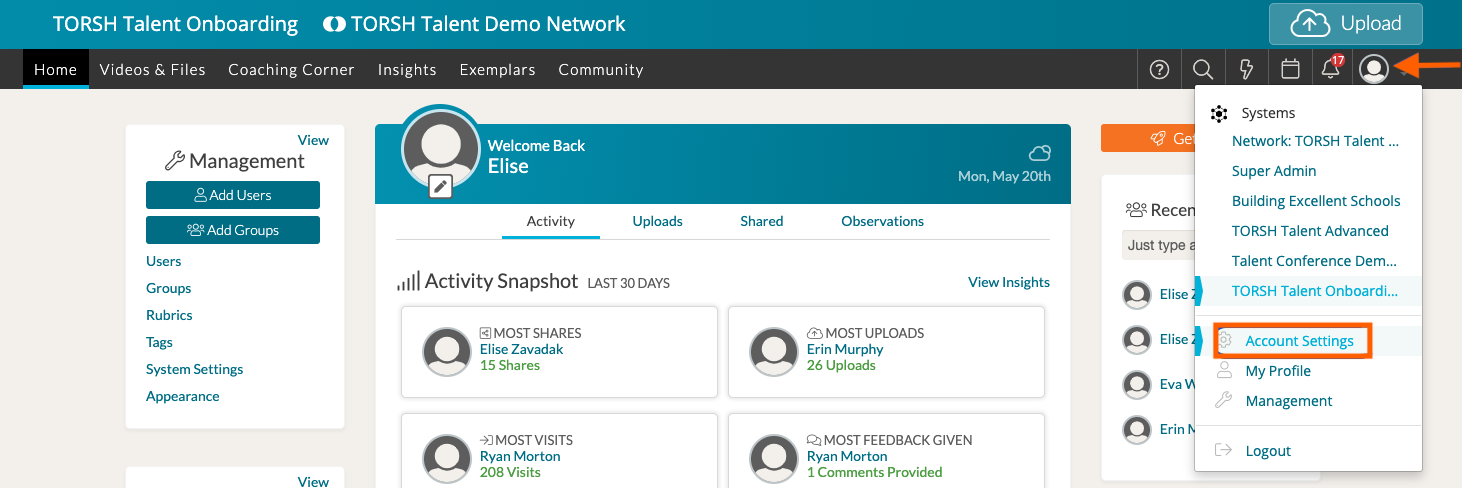
To change your email notification settings in TORSH Talent, click on your 'profile icon' in the top, right-hand corner of your navigation bar and select 'Account Settings' from the dropdown menu.
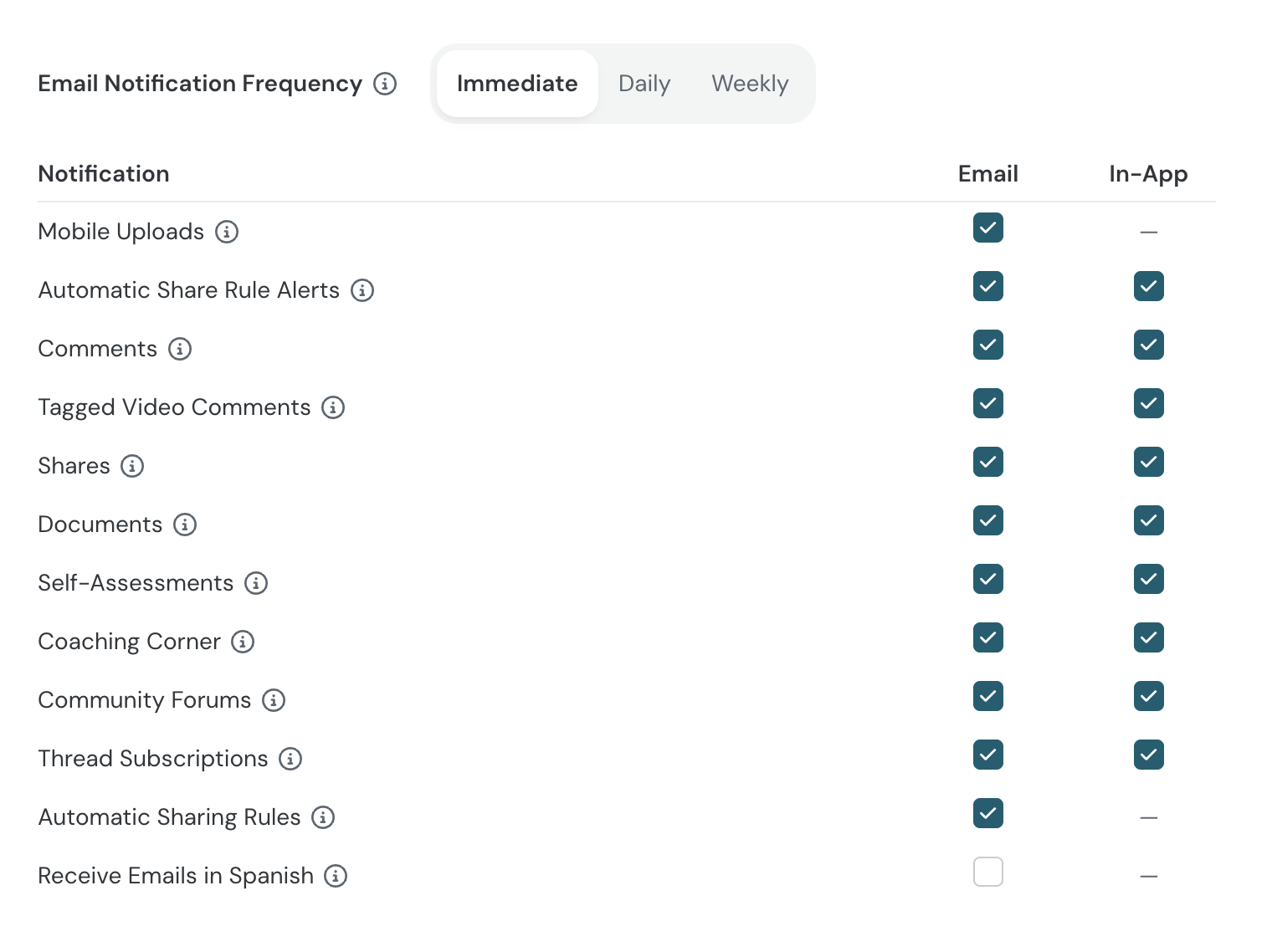
In your Account Settings, scroll down to the 'Email Notifications' section. Here you can modify Email Notification Frequency by either Immediate, Daily, or Weekly notifications.
You can also designate which notification types you receive from TORSH Talent and clarify whether or not you receive notifications via Email or In-App (on the website). Click the 'checkbox' next to each notification type listing, and your changes will save automatically!