
As a System Admin, you can manage the settings for your system. To do so, click on 'System Settings' in the Management box on your Talent homepage.
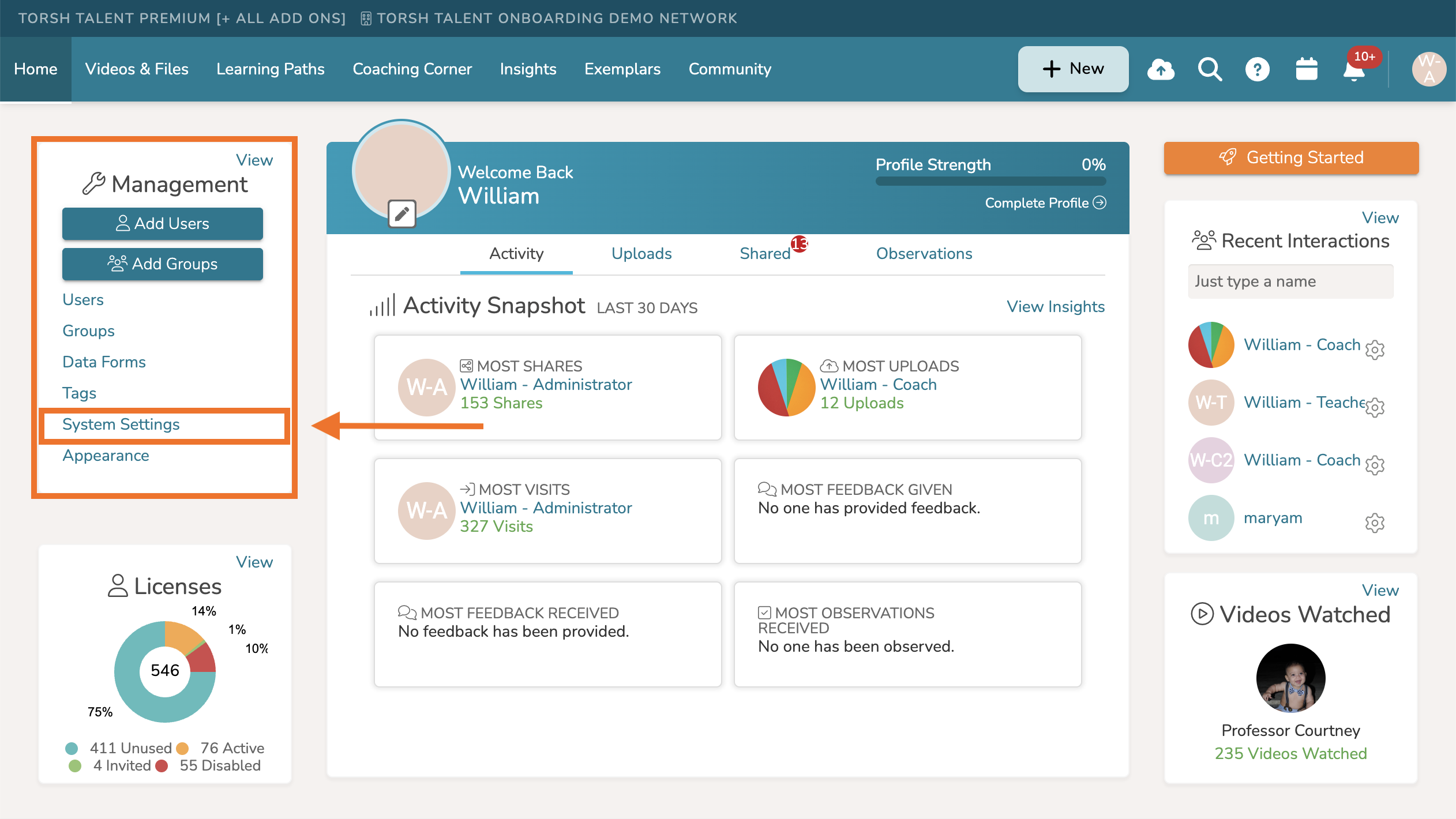
Once there, you can choose the desired settings for your system. The following sections organize the System Settings page: Sharing, Observation Settings, Coach Capabilities, Customization, Feature Management. If applicable, your system may see High-Resolution Video Encodes and Zoom Integration Authentication.