
If you are an Admin of a system that has purchased LMS Integrations as an add-on, you can integrate with an LMS on your Management page.
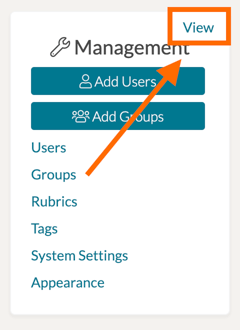
On your homepage, navigate to the Management Panel on the far, left side. Click 'View.'
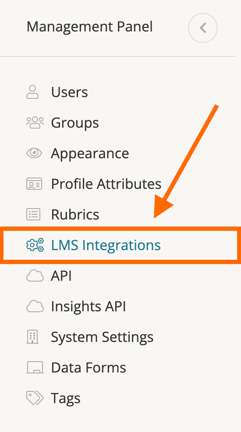
On the Management Panel page, click 'LMS Integrations' on the far, left side panel.
You are then able to select the LMS with which you are integrating to receive your system's unique information. Each integration will get you specific settings regarding that LMS and also custom settings surrounding user accounts and any scoring.
Rather watch a video? Watch our tutorial on LMS Integrations here. HIPAA users, click here.