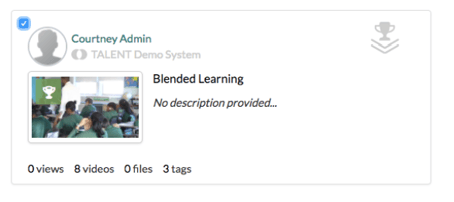
As a Network Admin, you can organize and share Exemplar videos across a Networked PLC. In order to organize the exemplar videos that are shared across your PLC, you will need to organize these exemplar videos and files into Collections first. As a Network Admin, you can learn more about organizing these artifacts into collections here .
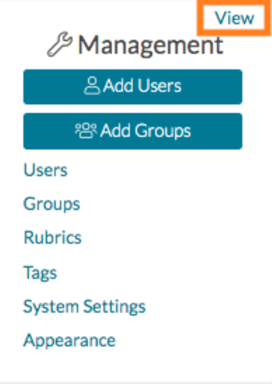
Once your exemplars are organized into collections, go to your homepage in Talent and find your Management Panel. Click 'View.'
Next, on your Management Panel page, navigate to the far, left-side panel and select 'PLC.'
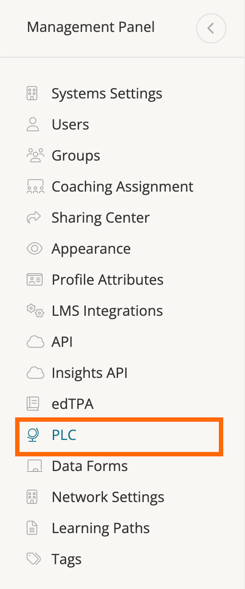
On your PLC page, scroll down to the 'Exemplars' section and select 'Exemplar Collections.'

Check the box on the upper left corner of the collection you want to share. If you want to share all, click 'Share All.'