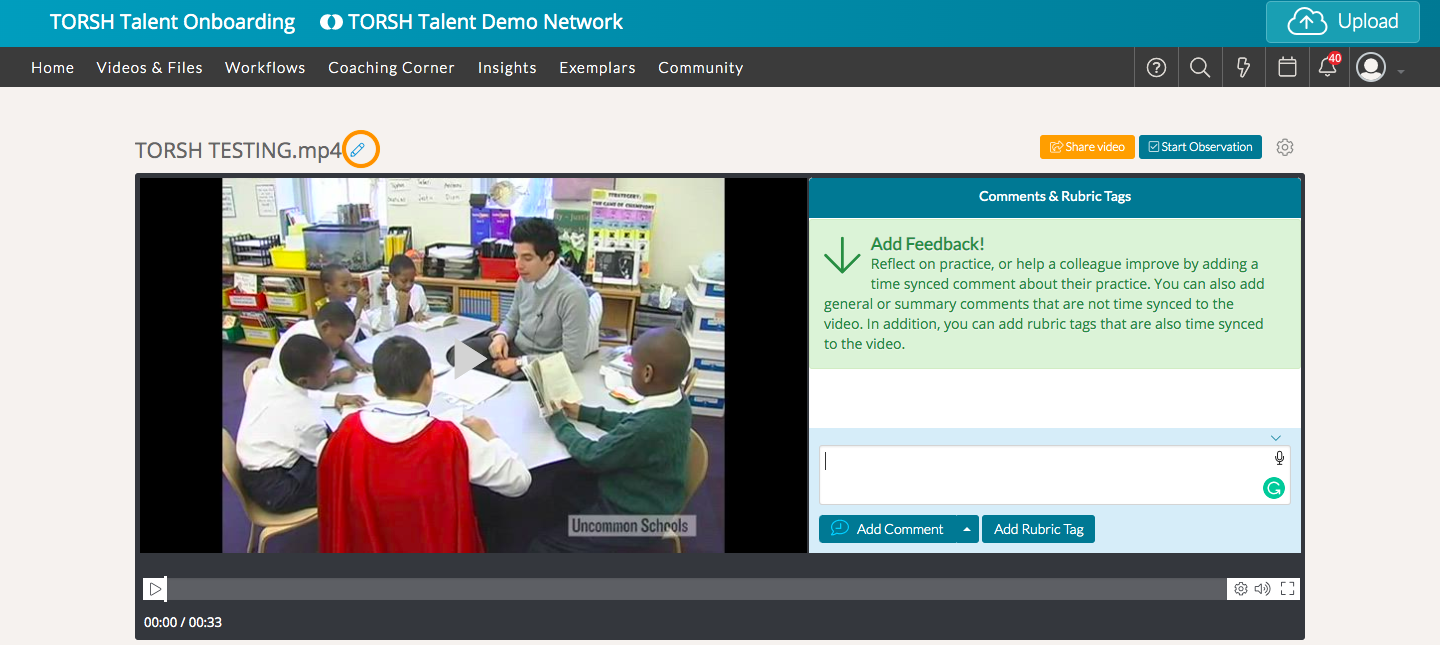
Only when someone shares a video or file with you at 'High Permissions,' will you see a 'pencil icon' next to the name of the artifact.
To rename it, click on the pencil icon and add the new name. Click the blue 'checkmark icon' to save your changes!
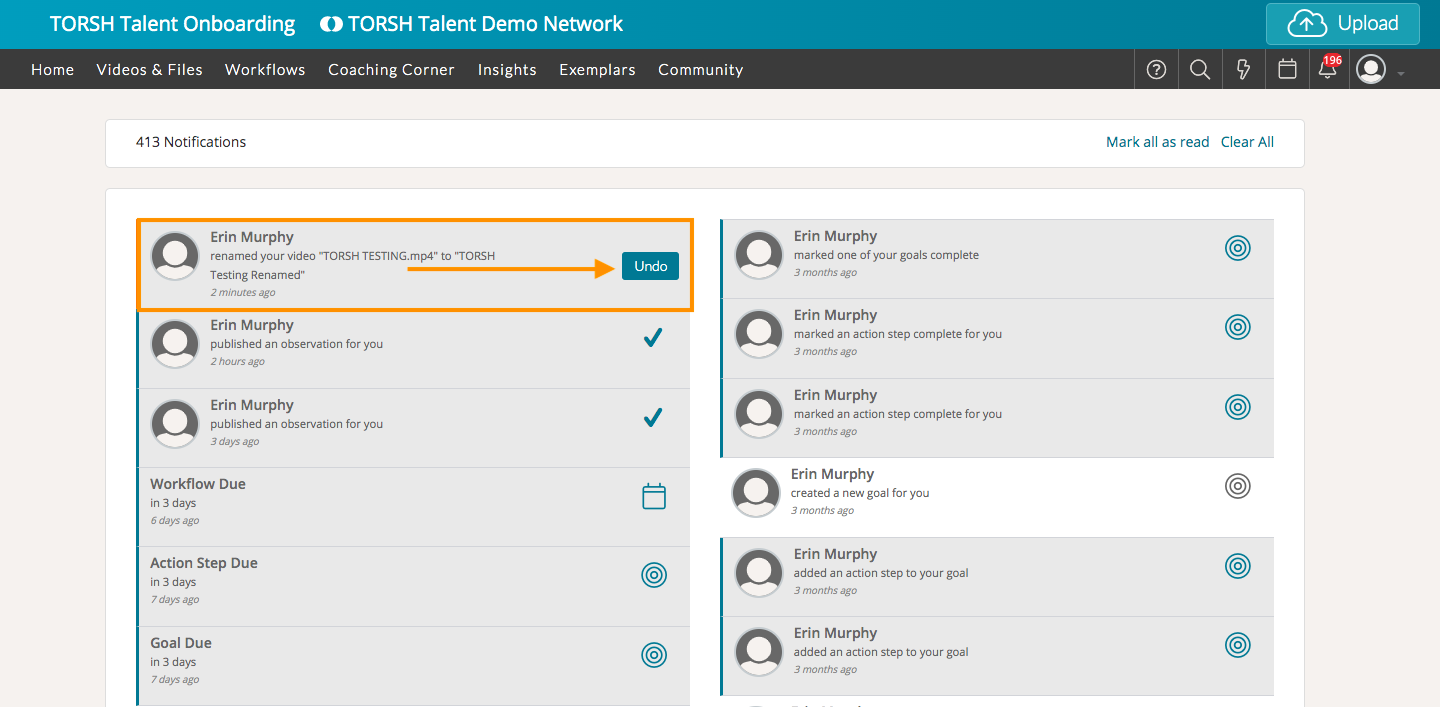
The owner of the file will receive a notification alerting them of the change. They can then choose to 'Undo' the change if would like.