
When filling out an observation or self assessment, it's important to select the correct Data Form Template for use! When you initiate an observation or self assessment in TORSH Talent, you will first be presented with a 'Select a Data Form' dropdown menu, wherein you can select the specific form template you wish to fill out!
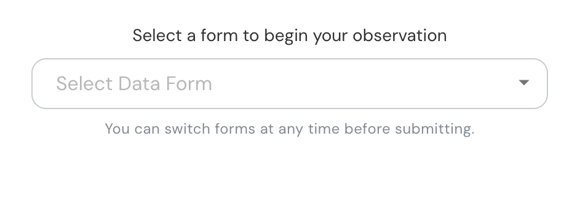
NOTE: If your system has a Default Data Form Template set for observations/self assessments (whether in a system setting or by general frequency of use), you will first see that default data form template load when starting an observation/self assessment.
You can change your Data Form Template using the instructions below!
How To Change Your Data Form Template
If you have one data form template displayed in your observation or self assessment and you wish to change the template, please click the 'Discard Data Form' button in either top, right-hand corner or bottom, right-hand corner of your form.
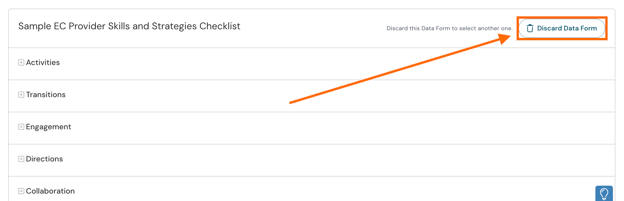
Doing so will remove the template from use and display the 'Select Data Form' dropdown menu. Next, click on the Select Data Form dropdown, and your available forms will display for selection. Choose your template from the dropdown list, and the new template selected will automatically load for use!
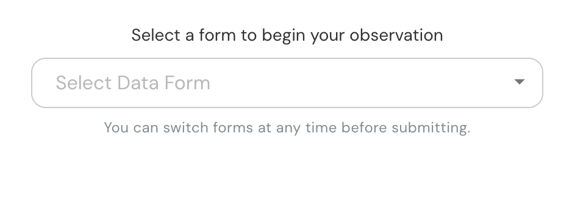
NOTE: You can switch your form template at any time before submitting your form as 'Complete' or 'Complete and Share.'