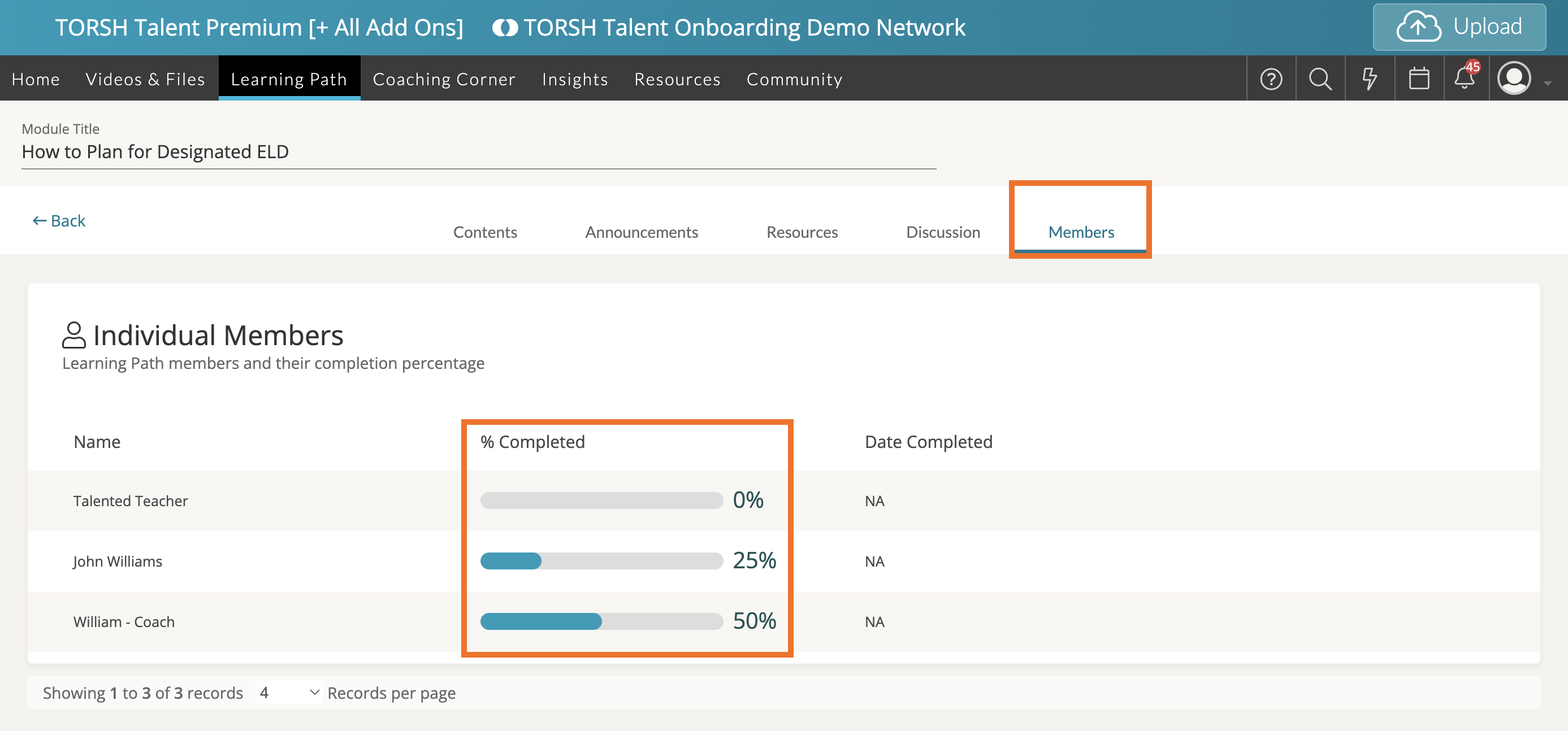
Within a Learning Path Module , you can see your progress in a module by clicking on the 'Members' tab and viewing the progress bar next to your name under the '% Completed' column. The progress bar will tell you how much of the module is complete. A page is considered complete, once you click 'Mark as Complete.'
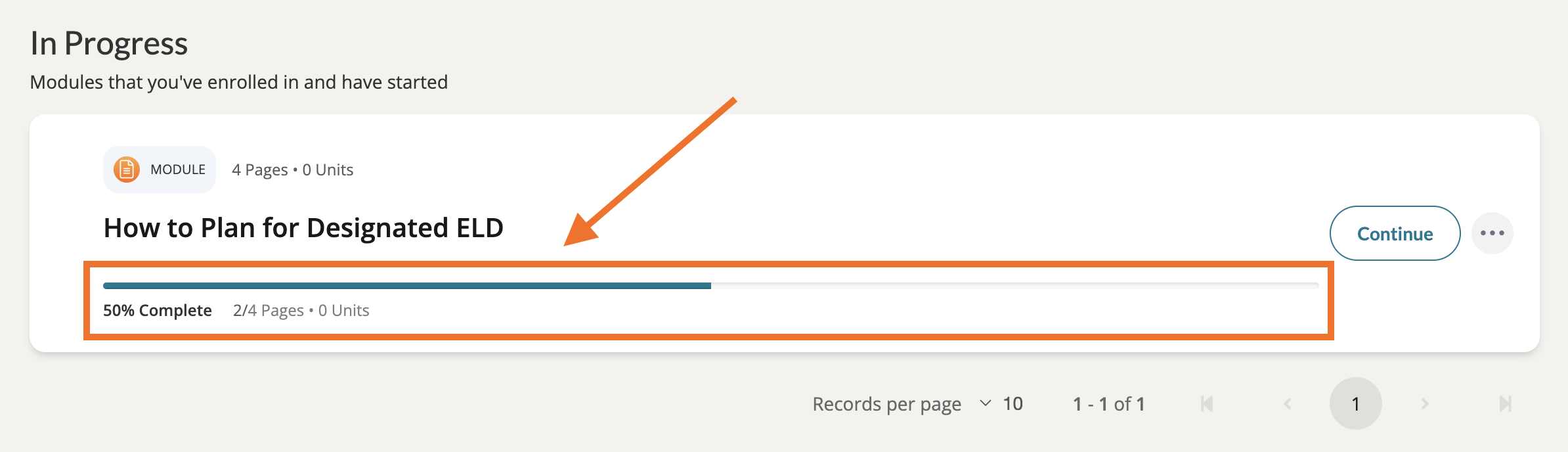
You can also see your progress in each module you are participating in on your 'My Modules' page. For your modules you've enrolled in but have not started, scroll to the 'In Progress' section. You will see your your progress mirrored here for each module, complete with a progress bar and a percentage score, as well as the total number of pages you have marked as complete.
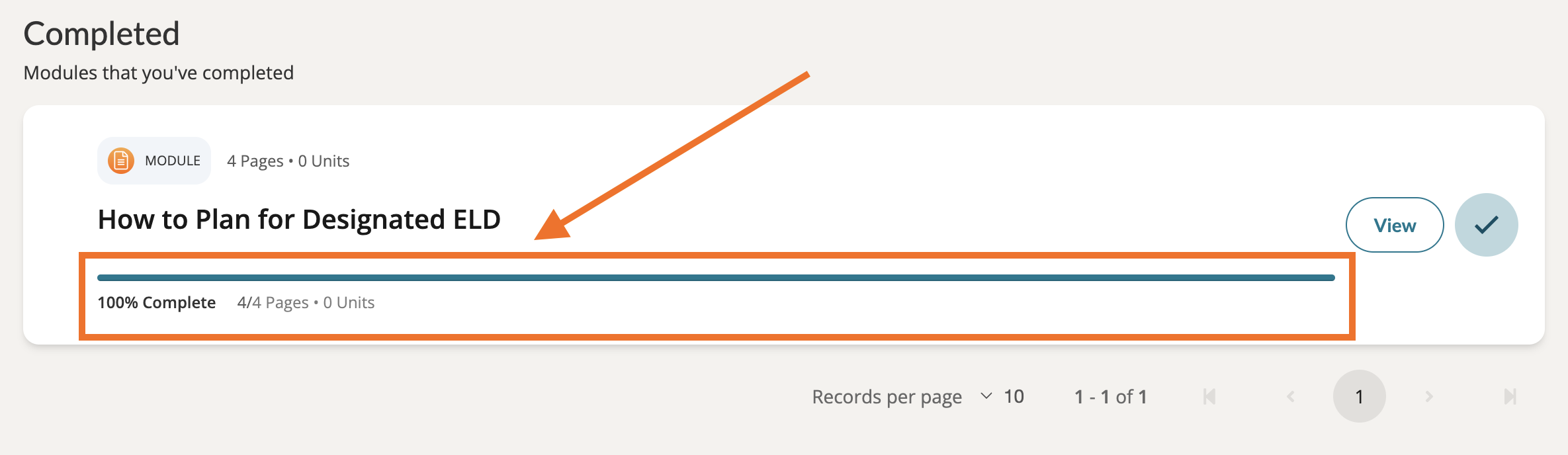
Once you have completed a module, you will find it listed under the 'Completed' section of your My Modules page. Here you will find the completed progress bar and a percentage score, the total number of completed pages, and your units awarded - if applicable.